CREATIVE TOOLS, INSIDE CANVA
Your ideas.
New possibilities.
Meet Pop Out, Image Freeze, Orbit Text, Motion Trail, Smoke, Dust Dispersion, ShirtLab, Patternly and ShapeText. Make photos pop, put pictures on ice, wrap words around subjects and explore more ways to create.
No separate Zobrella account. No Zobrella payments.
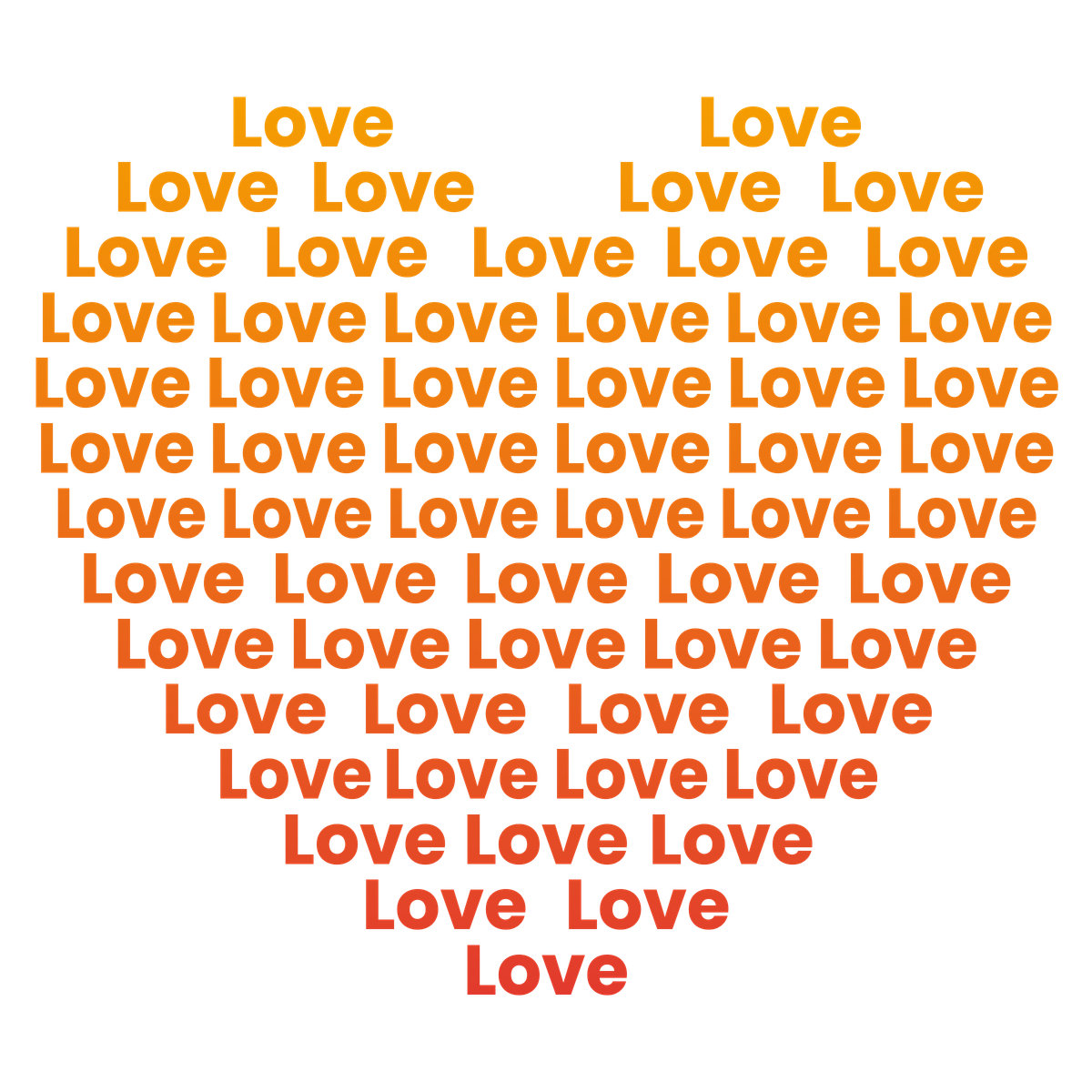 A little love, letter by letter.
Made for your next
“what if?”
We make focused creative tools that fit into the way you already design. Pop Out makes photo subjects step outside the frame. Image Freeze puts pictures on ice. Orbit Text wraps words around your photos. Motion Trail gives pictures a sense of movement. Smoke adds atmosphere to words and pictures. Dust Dispersion turns pictures into flying dust. ShirtLab makes shirts your own. Patternly turns content into patterns. ShapeText fills outlines with words.
MEET POP OUT
Your photo.
Beyond the frame.
A favourite photo. A little perspective.
A subject that steps outside the frame.
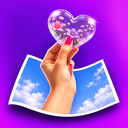 Pop Out
Pick a photo.
Let it pop.
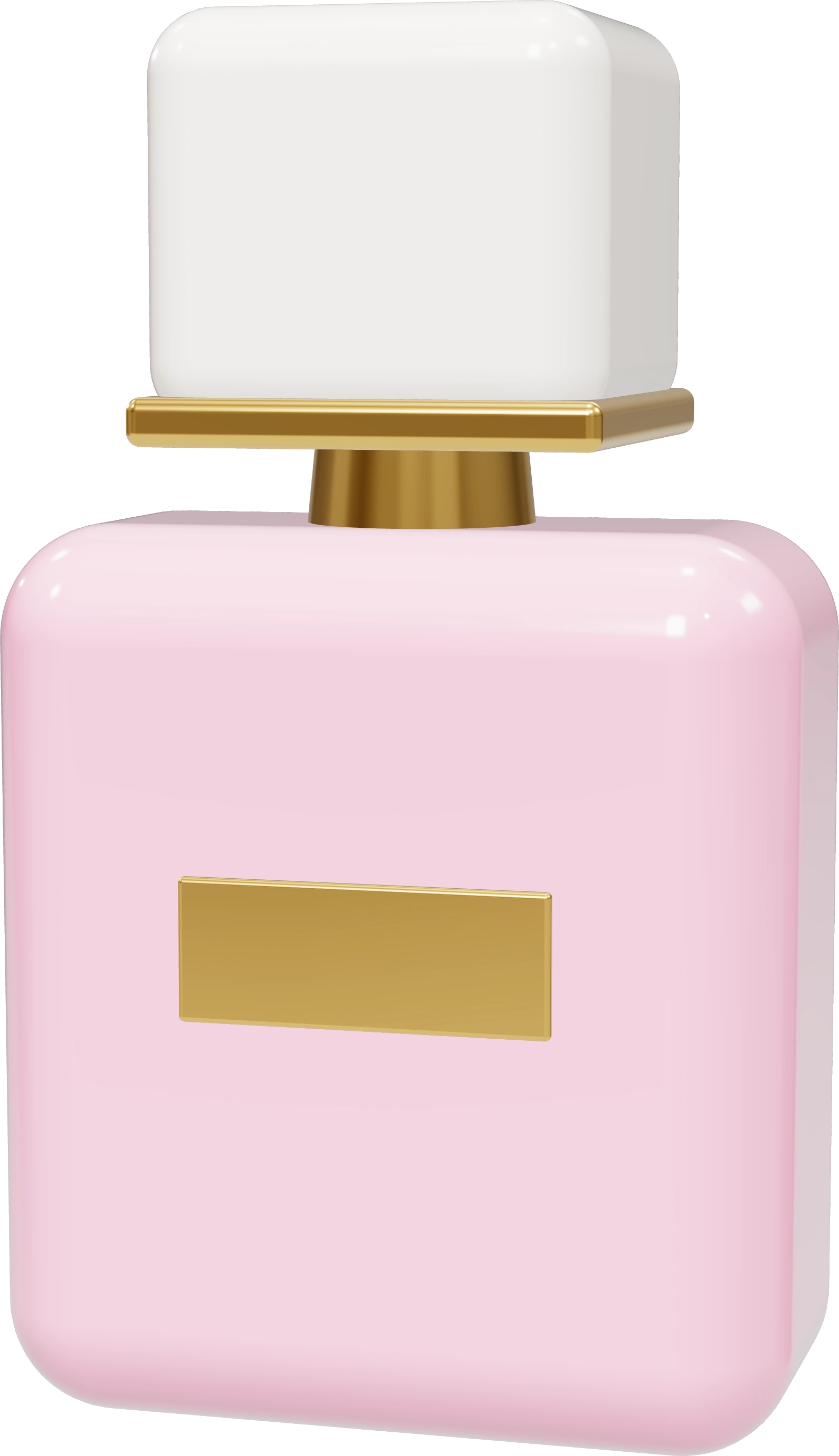
Make your photo’s subject pop out of a 3D frame. Explore eight looks, adjust the effect and choose a background in the live preview.
- Eight looks, from Curved to Laptop
- Your photos and local background removal
- A finished still image for your Canva design
Coming soon to Canva.
MEET IMAGE FREEZE
Your picture.
On ice.
A product, a portrait, a picture of your own.
A frozen finish, made your way.
 Image Freeze
Pick a picture.
Find your freeze.
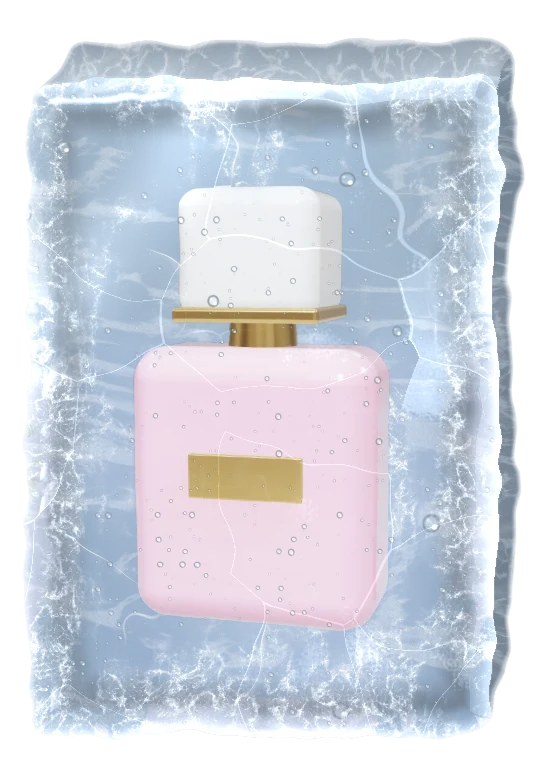
Put your subject inside a block of ice. Explore four looks, choose a colour, and adjust the frost, cracks and other effects in the live preview.
- Clear, Frosty, Cracked and Melting looks
- Your pictures and local background removal
- A finished still image for your Canva design
Coming soon to Canva.
MEET ORBIT TEXT
Your words.
A new dimension.
Lettering that goes around your photo.
In front, behind, and your way.
 Orbit Text
Start with a photo.
Give it an orbit.
Wrap words around your subject with a perspective text ring. Choose Clean, Neon, Outline or Chrome, then shape the result in the live preview.
- Up to three individually adjustable rings
- Five fonts, four looks and your colors
- Your photos, words and background removal
Coming soon to Canva.
MEET MOTION TRAIL
One picture.
More momentum.
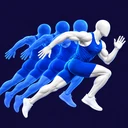
A runner, a logo, a picture of your own.
Give it a sense of movement.
 Motion Trail
Start with Echo.
Make it your own.
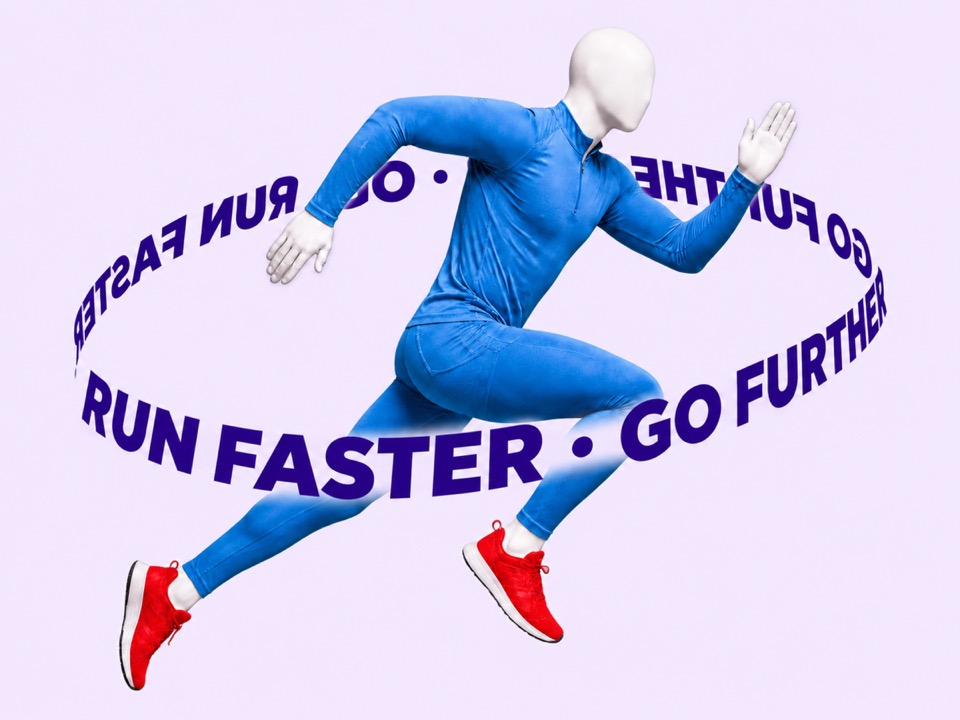
Repeat a subject with Echo or explore Trail, Ribbon and Speed. Choose the colour, change the direction and length, and add the finished still image to your Canva design.
- Four motion-effect styles
- Your pictures, cut-outs and logo artwork
- 4K still-image output
Coming soon to Canva.

MEET SMOKE
A little atmosphere.
A new possibility.
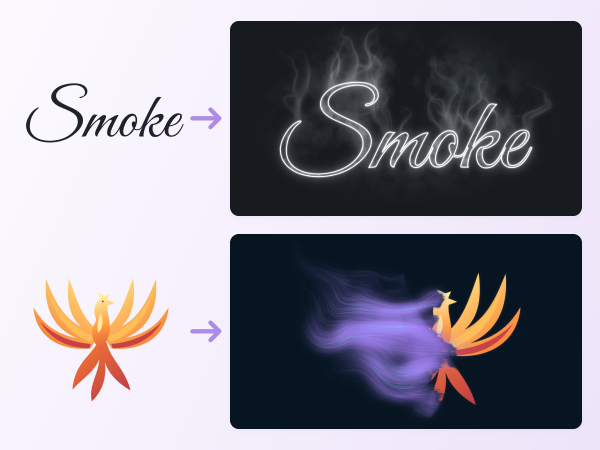
Your words, photos and logo artwork.
Smoke you can make your own.
Start with an idea.
Let it take shape.
Choose Text or Image, find your style and adjust the smoke. Try glowing script, a soft cloud or a colourful trail around your own picture.
- Nine text styles and three image styles
- Your colours and backgrounds
- High-resolution PNGs for your designs
Coming soon to Canva.
MEET OUR NEW APP
A picture.
A trail of possibilities.
Your photos, logos and lettering.
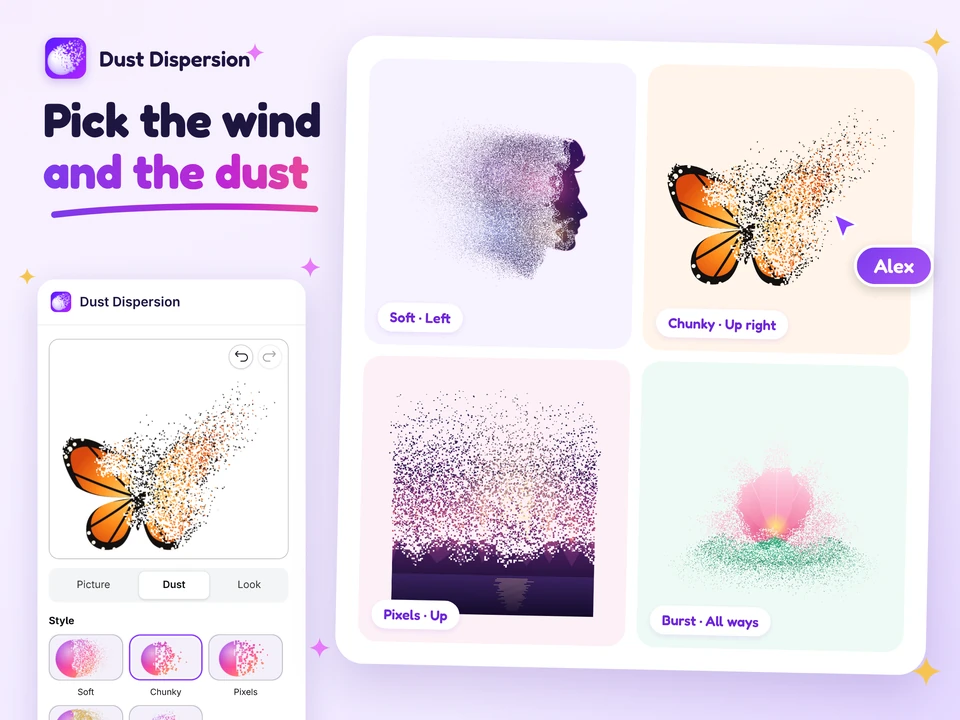
A dust effect you can make your own.
Pick the picture.
Choose the wind.
Make it fly.
Turn part of a picture into flying dust. Try a sample or your own image, then adjust the amount, direction, size, shape and color.
- Your photos and logo images
- Five styles and wind directions
- Transparent images for your designs
Coming soon to Canva.
MORE BY ZOBRELLA
Your shirt.
Your style.
Your colours. Your team.
A design that feels like you.
Design it.
Make it yours.
Show it off.
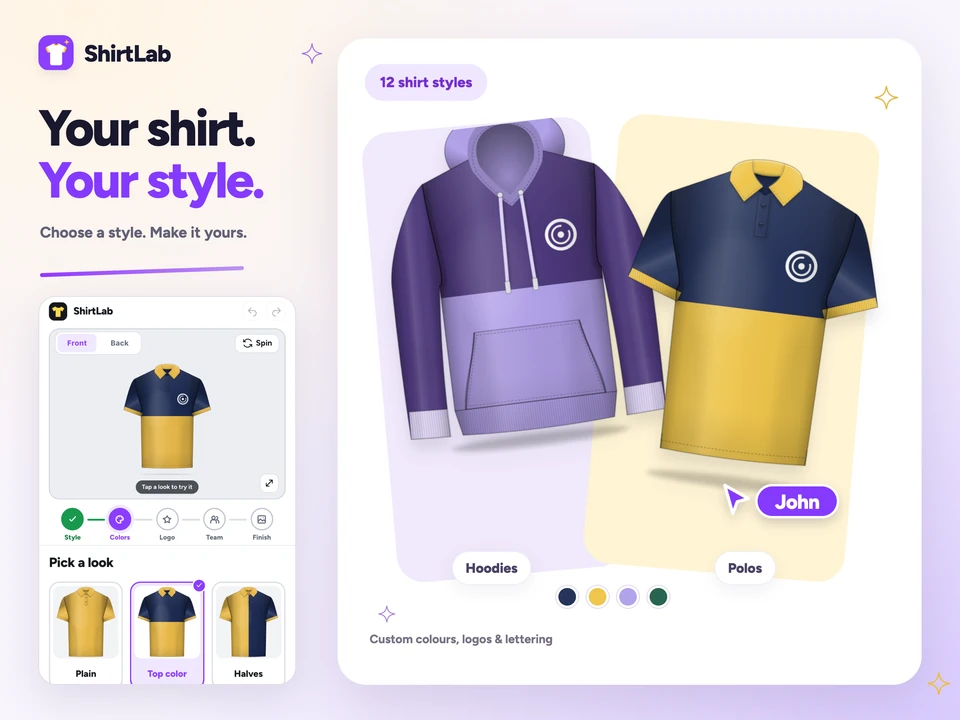
Choose from 12 shirt styles. Make one your own with colours, a logo and lettering, or personalise a shirt for every player on your team.
- 12 styles, from polos to hoodies
- Team names, numbers and sizes
- A 360° preview and mockup finishes
Public Canva app link coming soon.
MORE BY ZOBRELLA
A pattern with
your personality.
Pictures, words and emoji.
One repeating idea, made your way.
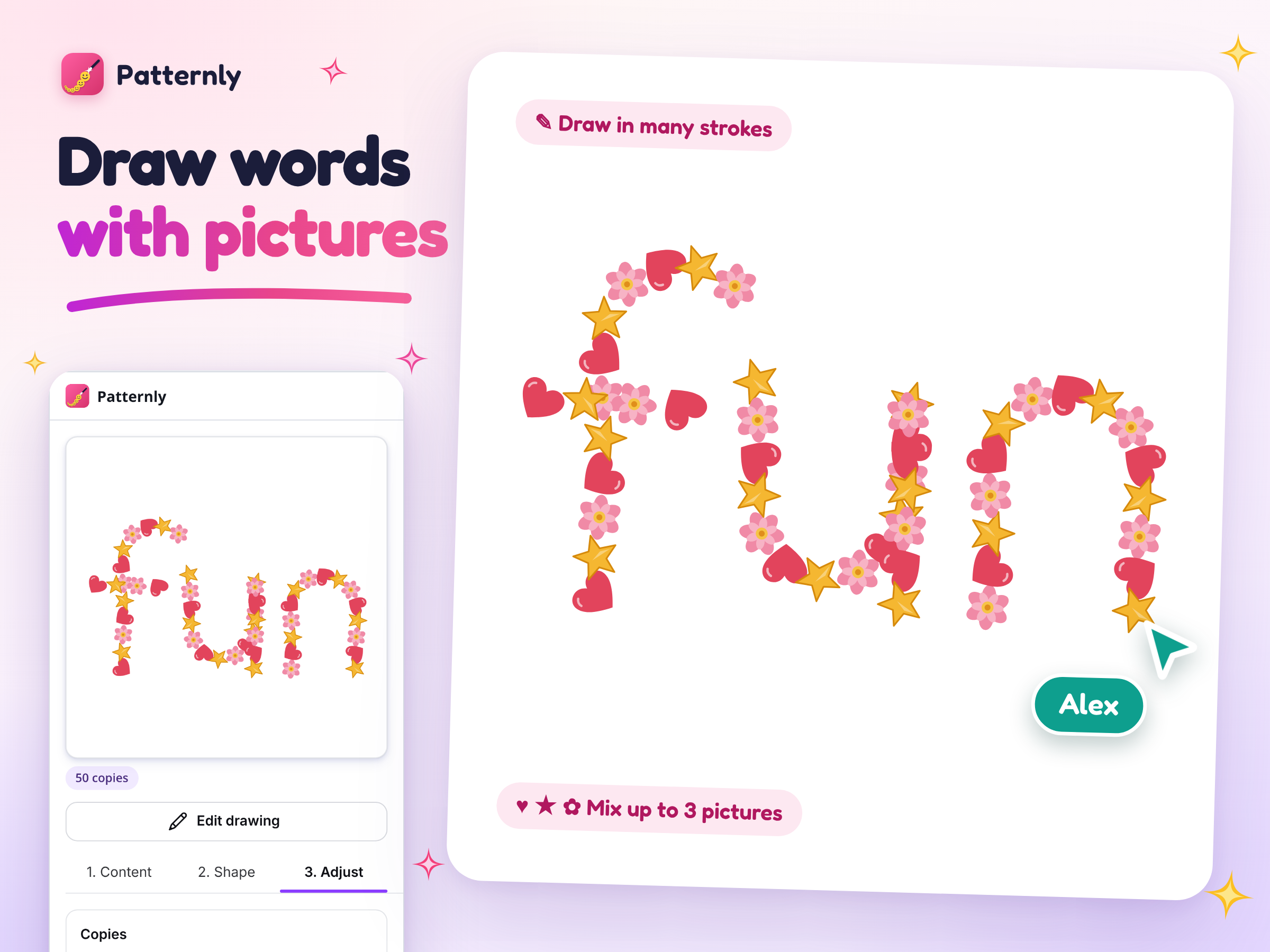
Draw words.
Mix content.
Wrap shapes.
Mix up to three pictures, words or emoji. Repeat them along a preset shape, a path you draw, or an eligible shape from your Canva page.
- Mix content that repeats in turn
- Draw words in separate strokes
- Follow shapes from your page
Public Canva app link coming soon.
ALSO BY ZOBRELLA
A few words.
A lot of possibilities.
One app, right inside Canva.
Start with a template or make it your own.
Give your text
a different outline.
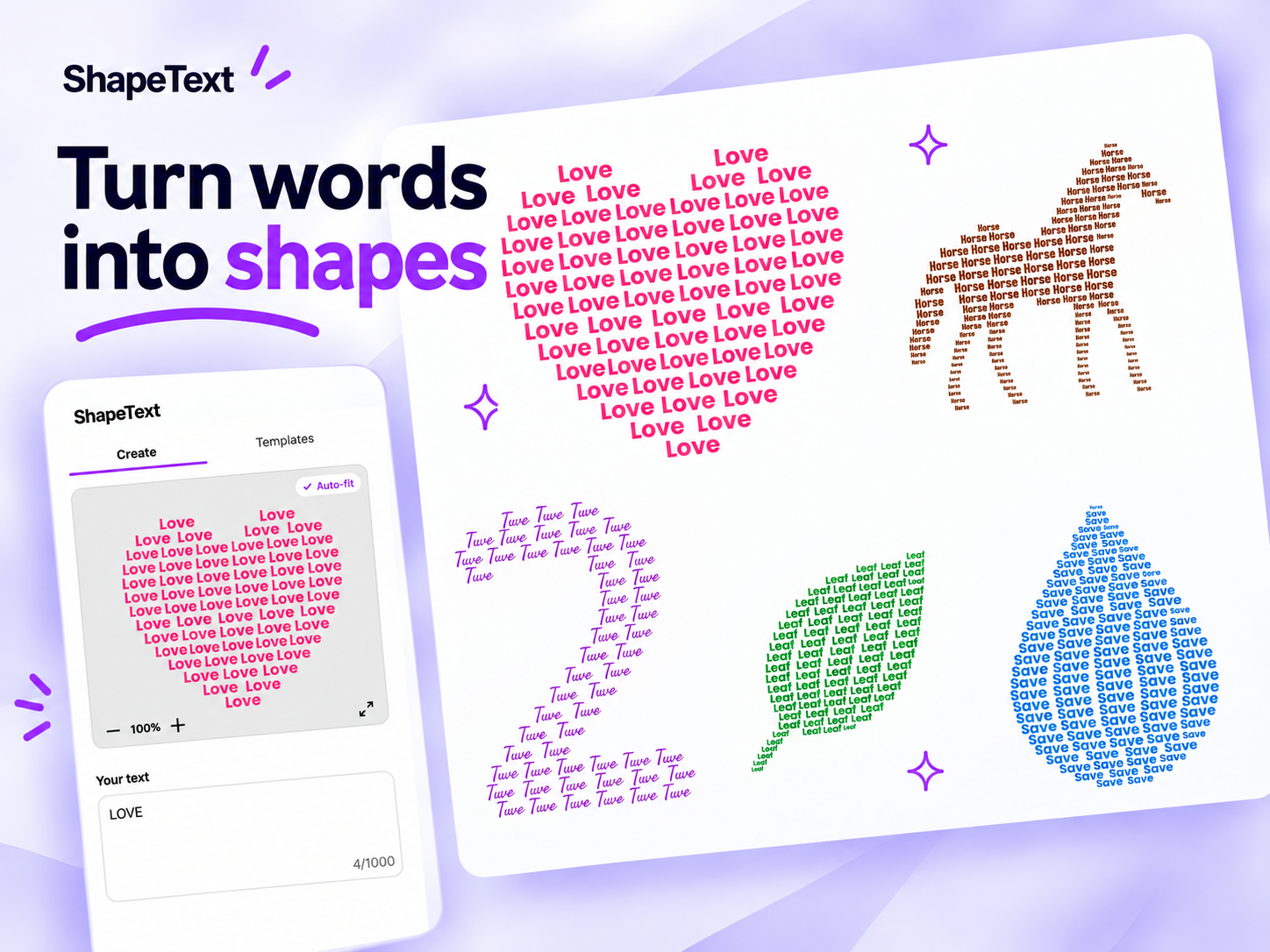
Choose a shape, add your words, and adjust the fonts, colours, and density. When it feels right, add the result to your Canva design.
- Ready-made shapes & templates
- Custom shape and font uploads
- Colours, density & live previews
Canva’s own account and plan requirements apply.
ShapeText feature illustration. Tap the image for a closer look.
GET STARTED WITH SHAPETEXT
Keep it simple.
Make it yours.
- 01
Pick an outline
Start with a ready-made template, a built-in shape, or a clean shape file of your own.
- 02
Add your words
Try your text, choose a font, and play with colour and density. Check the live preview as you go.
- 03
Bring it into Canva
Add your finished artwork to the design, then move and size it using Canva’s editor.
A SMALL TOOL FOR YOUR NEXT BIG IDEA