Mix up to three
Pictures, short words and emoji repeat in turn. Combine them in one pattern.
ZOBRELLA · CANVA APP
Draw words with pictures. Mix a flower, a word and an emoji. Wrap a shape already on your Canva page.
Choose your content, choose a shape, and adjust the pattern in a live preview.
The public Canva app link will be added when available.
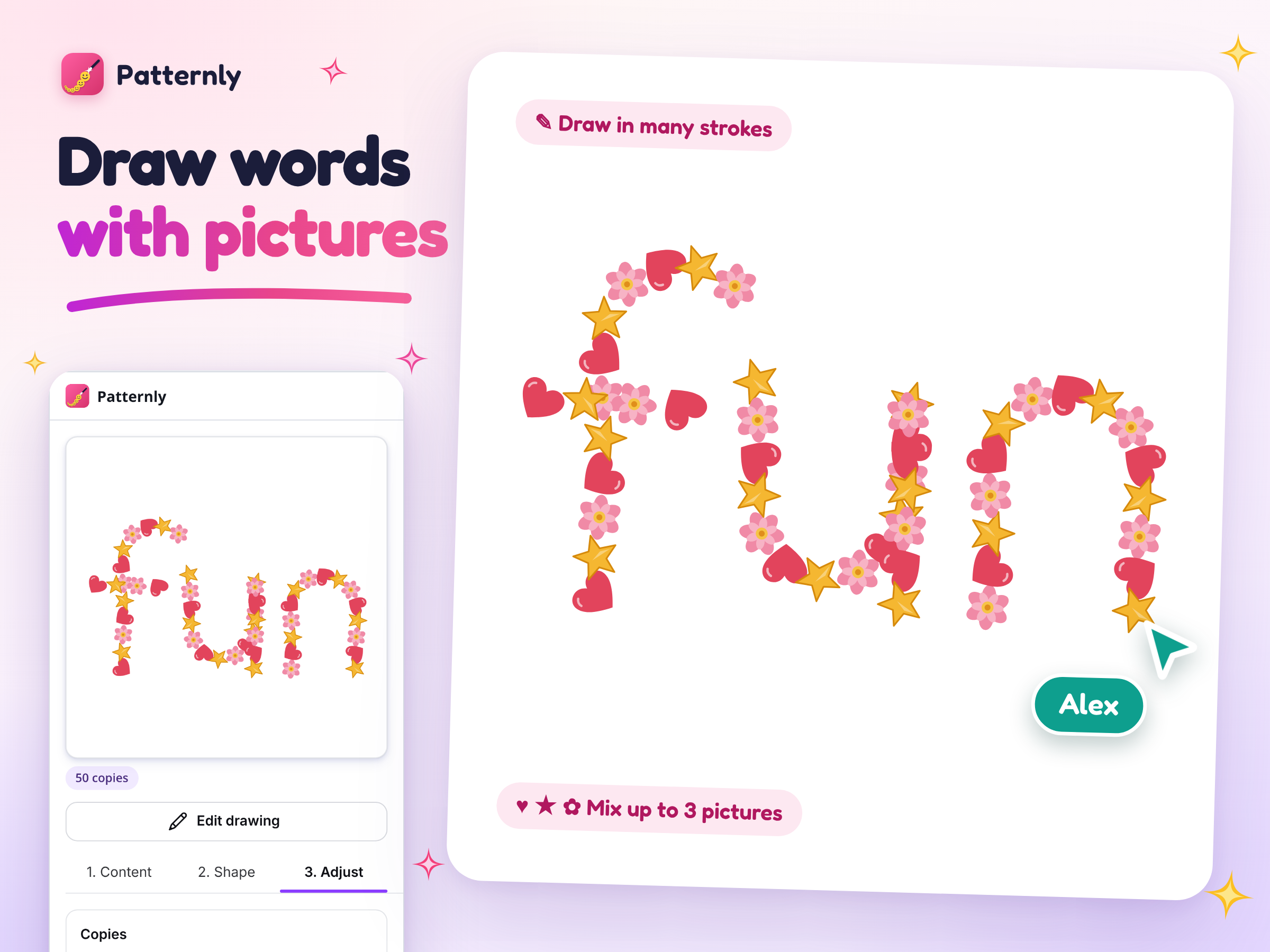
Draw separate strokes to make words and designs from repeating pictures.
Tap the image to see it full sizeMORE WAYS TO MAKE IT YOURS
For cards, invitations, shop graphics and the next idea you want to try.
Pictures, short words and emoji repeat in turn. Combine them in one pattern.
Draw letters and custom paths in separate strokes. Patternly follows your drawing.
Choose an eligible Canva shape on the current page and arrange content around its outline.
CONTENT → SHAPE → ADJUST
Pick a picture, type a short word or emoji, or mix up to three items that repeat in turn.
Try a preset, draw your own path in separate strokes, or follow an eligible shape from your page.
Check the preview, change copies and spacing, then add your pattern to your Canva design.
SEE THE POSSIBILITIES
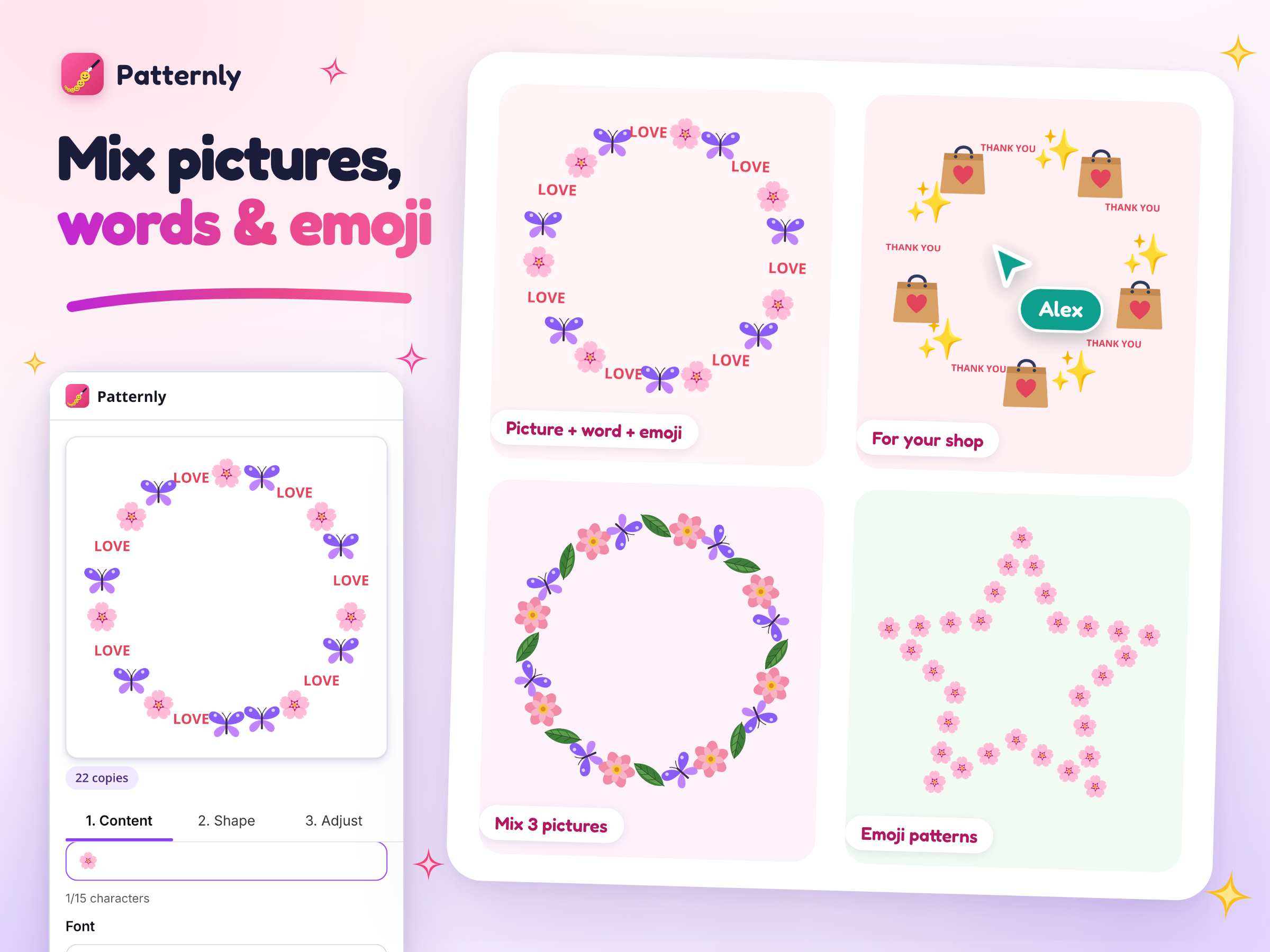
From a playful LOVE wreath to a thank-you graphic for your shop.
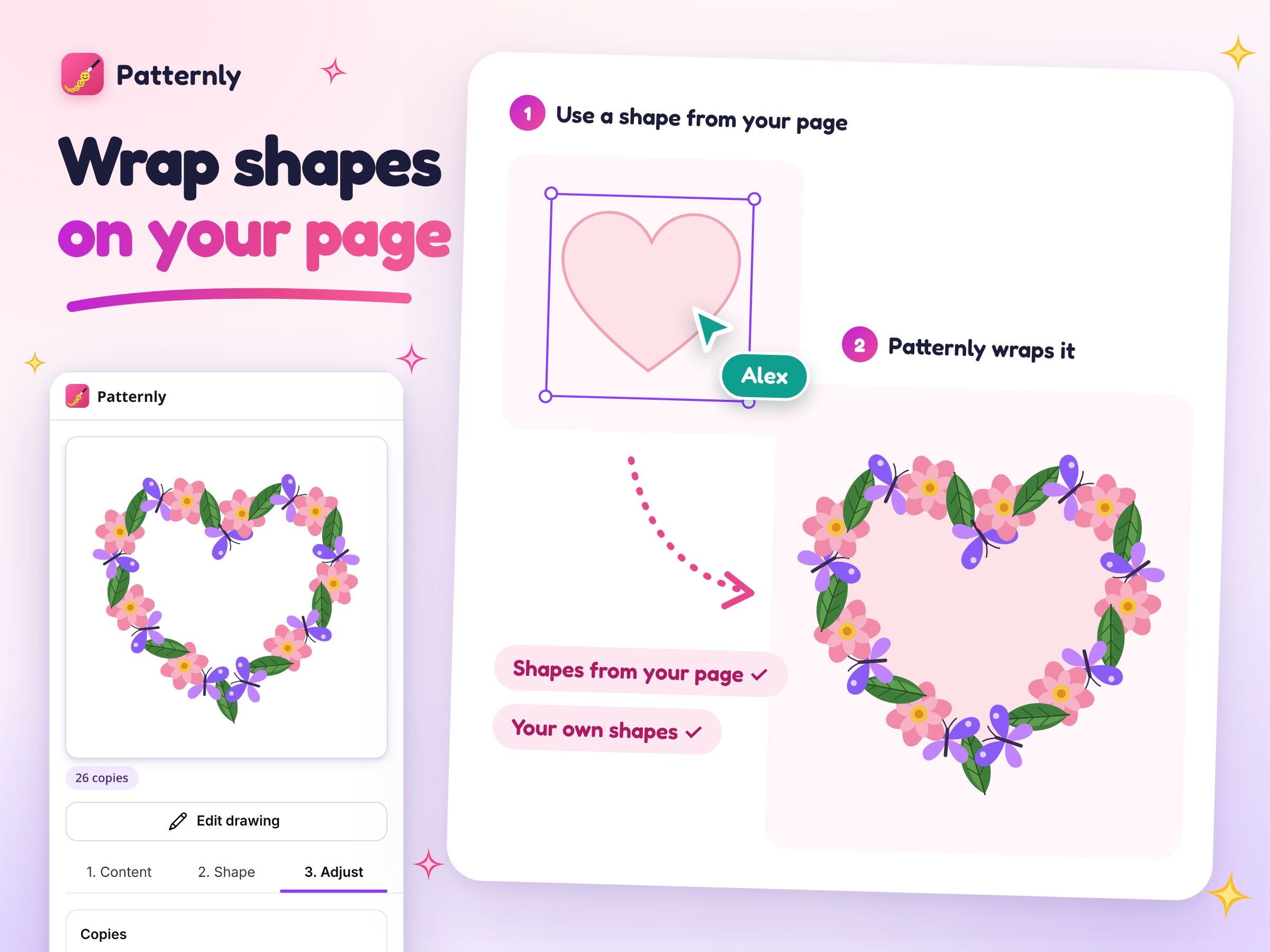
Bring a flower, leaf and butterfly pattern to a heart outline.
KEEP CREATING