Find your fit
Start with a T-shirt, polo, hoodie or one of the other 12 styles. Pick a look and change its colours.
ZOBRELLA · CANVA APP
For the team you play with, the club you belong to, or the brand you’re building.
Design a shirt with your colours and logo. Personalise it for every player. Show it off as a mockup, all inside Canva.
The public Canva app link will be added here when available.
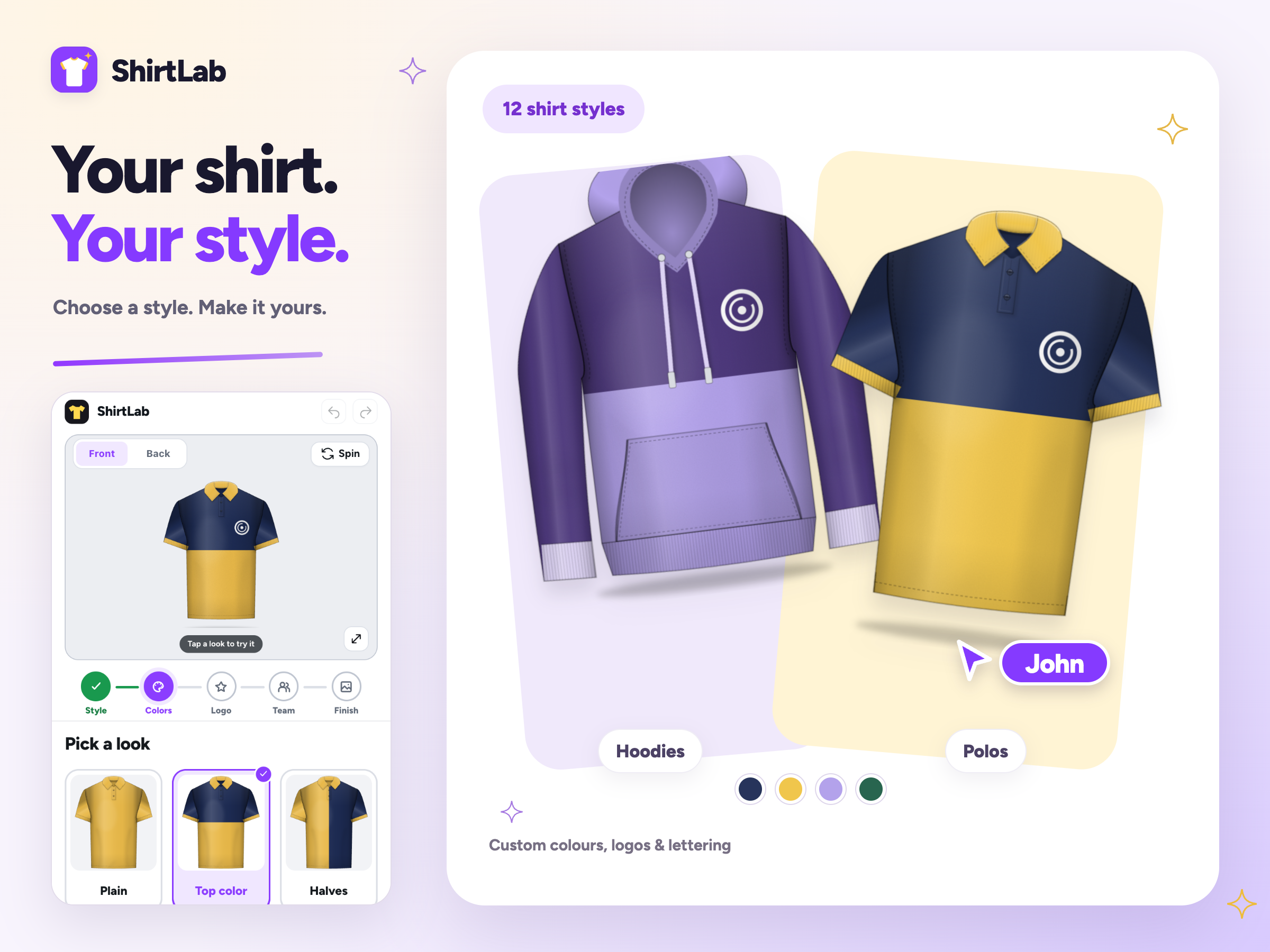
Start with a style. Make it yours with colours, a logo and lettering.
Open the image for a closer lookFROM ONE SHIRT TO A WHOLE TEAM
Make a digital shirt design for a club, an event, a team or your next creative idea.
Start with a T-shirt, polo, hoodie or one of the other 12 styles. Pick a look and change its colours.
Add your logo and lettering. Use names, numbers and sizes to personalise shirts for your team.
Check the front and back, then spin the preview. Choose a mockup finish before adding it to your design.
STYLE → COLOURS → LOGO → TEAM → FINISH
Choose from 12 styles, including T-shirts, polos, sports jerseys, hoodies and tank tops.
Choose a look and colours, add a logo, and personalise team names and numbers.
Check the front and back, spin the preview, then add a shirt or mockup to your Canva design.
DESIGNED TO BE YOURS
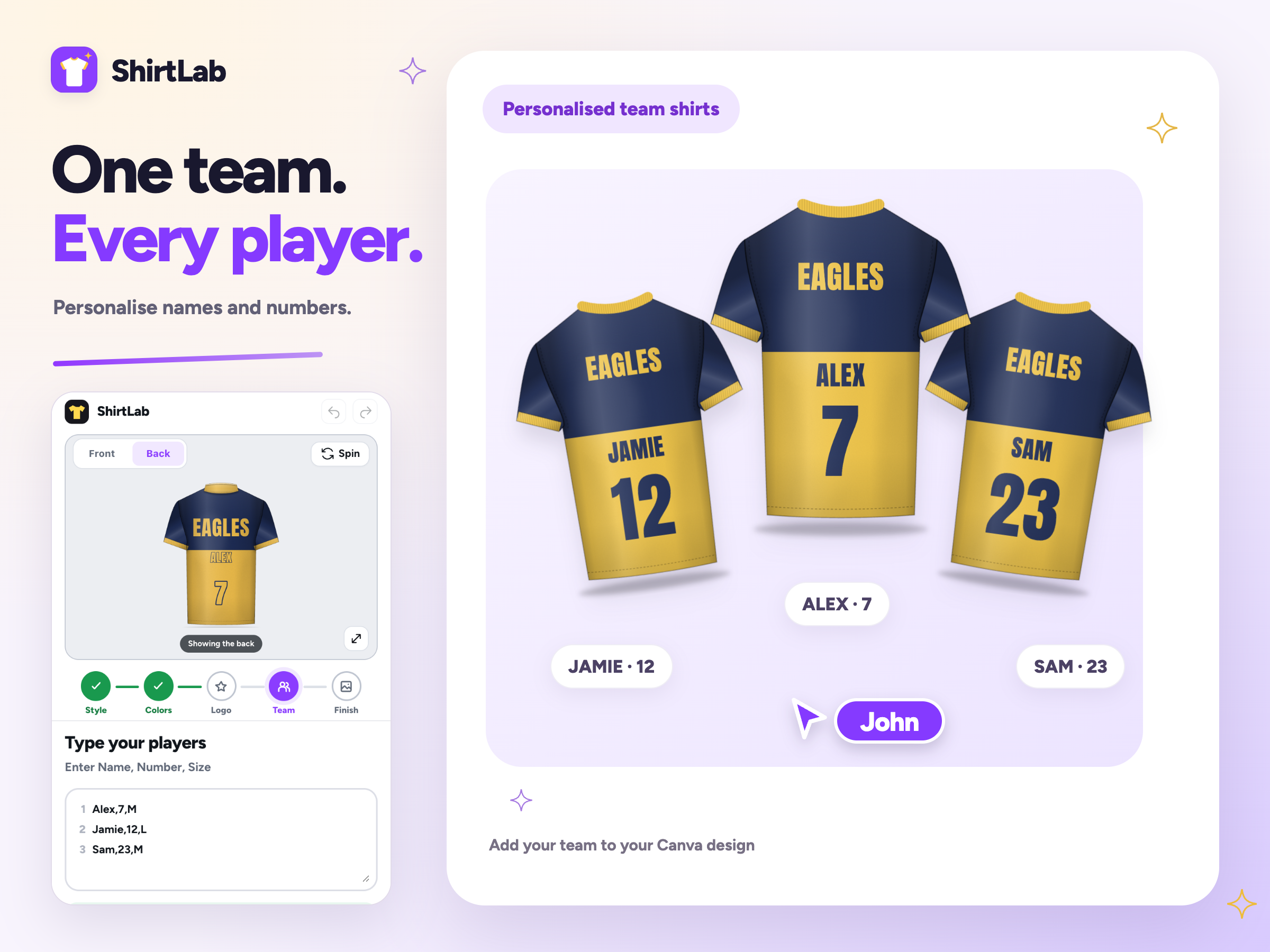
Keep your team’s colours and identity, with a different name and number for each player.
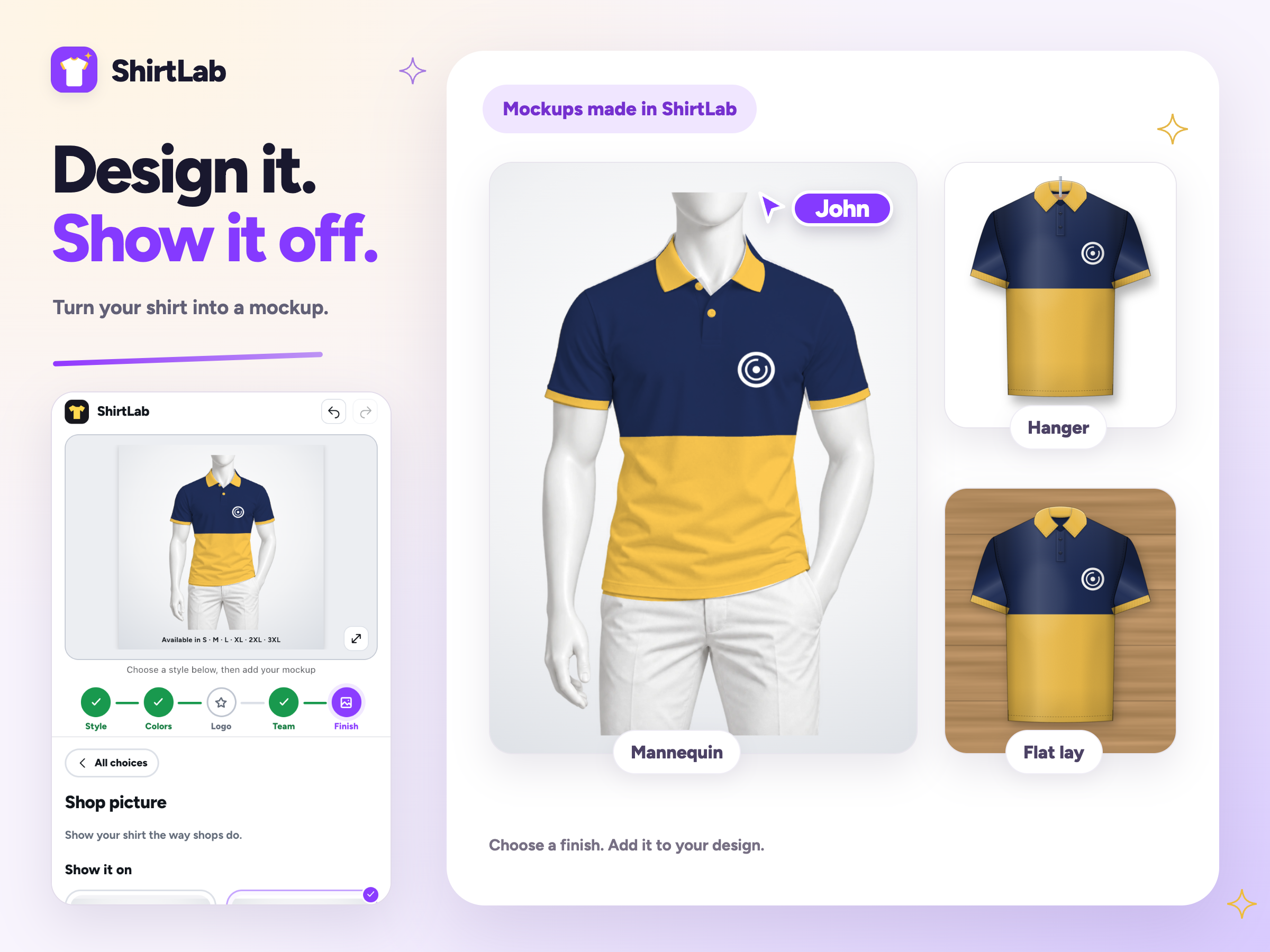
Show your shirt on a mannequin, on a hanger or as a flat lay. Add the mockup to your Canva design.
MAKE IT YOURS