Give words atmosphere
Try luminous script, dense smoke lettering, a warm layered look or the Electric style. Choose a built-in font and your own colours.
ZOBRELLA · CANVA APP
Turn your words, photos and logo artwork into flowing smoke. Choose from nine text styles and three image styles, then make the amount, colour and background your own.
From glowing script to a soft trail around an image, preview the look before adding a high-resolution PNG to your Canva design.
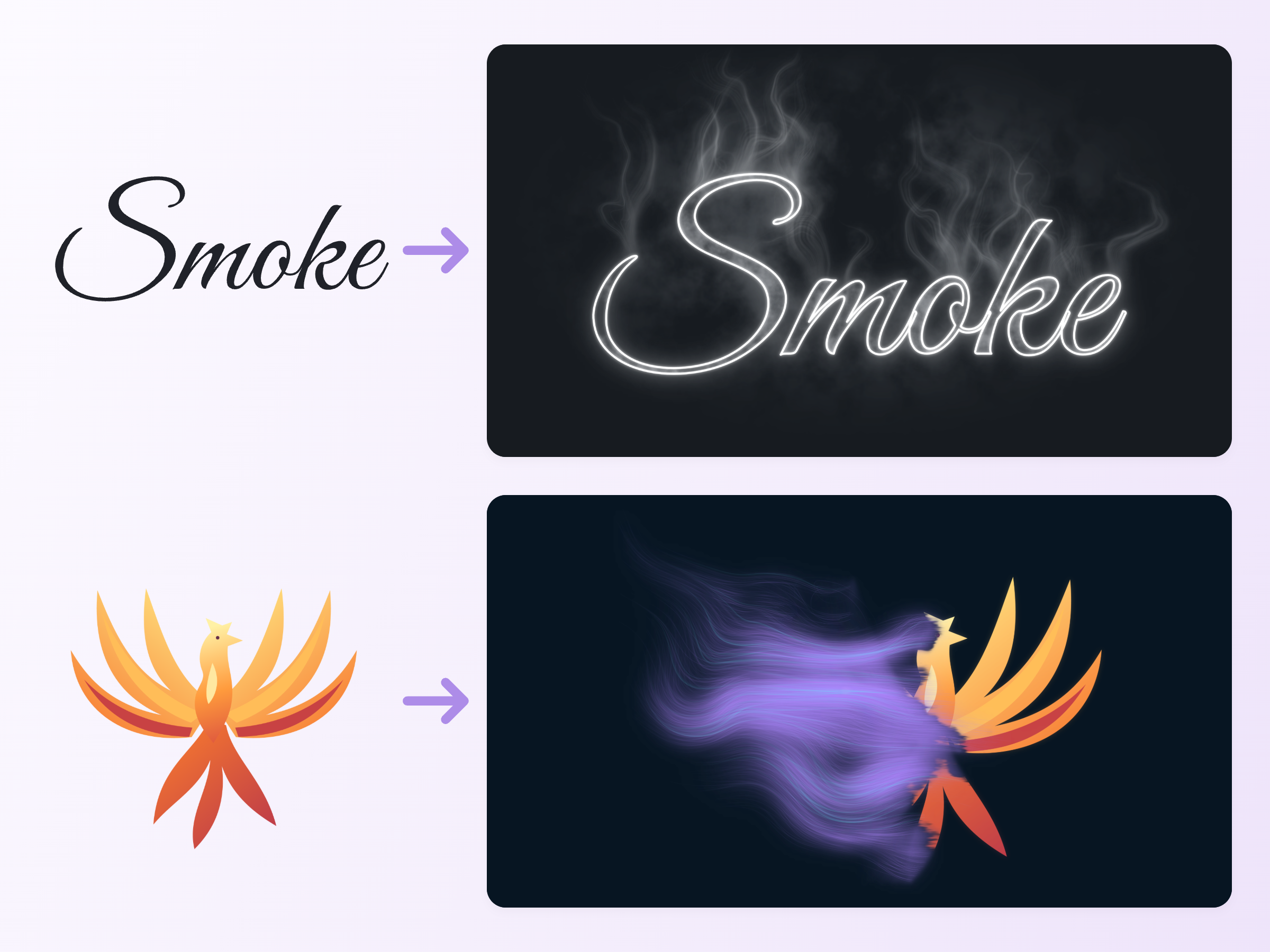
TEXT OR IMAGE. YOUR OWN EXPRESSION.
A focused set of controls, with room to explore.
Try luminous script, dense smoke lettering, a warm layered look or the Electric style. Choose a built-in font and your own colours.
Use your own picture or start with a sample. Ink, Aurora and Billow each bring a different character to the smoke.
Adjust the smoke, use Undo and Redo, and choose a transparent or solid background before adding the finished PNG.
CHOOSE · CUSTOMISE · CREATE
Type your words in Text. In Image, try a sample, choose a picture or use a selected image from your Canva page.
Choose a style, adjust Smoke amount and pick your colours. Explore More options for the finishing touches.
Check the preview and background, then select Add to design to place a high-resolution PNG in Canva.
COMING SOON TO CANVA